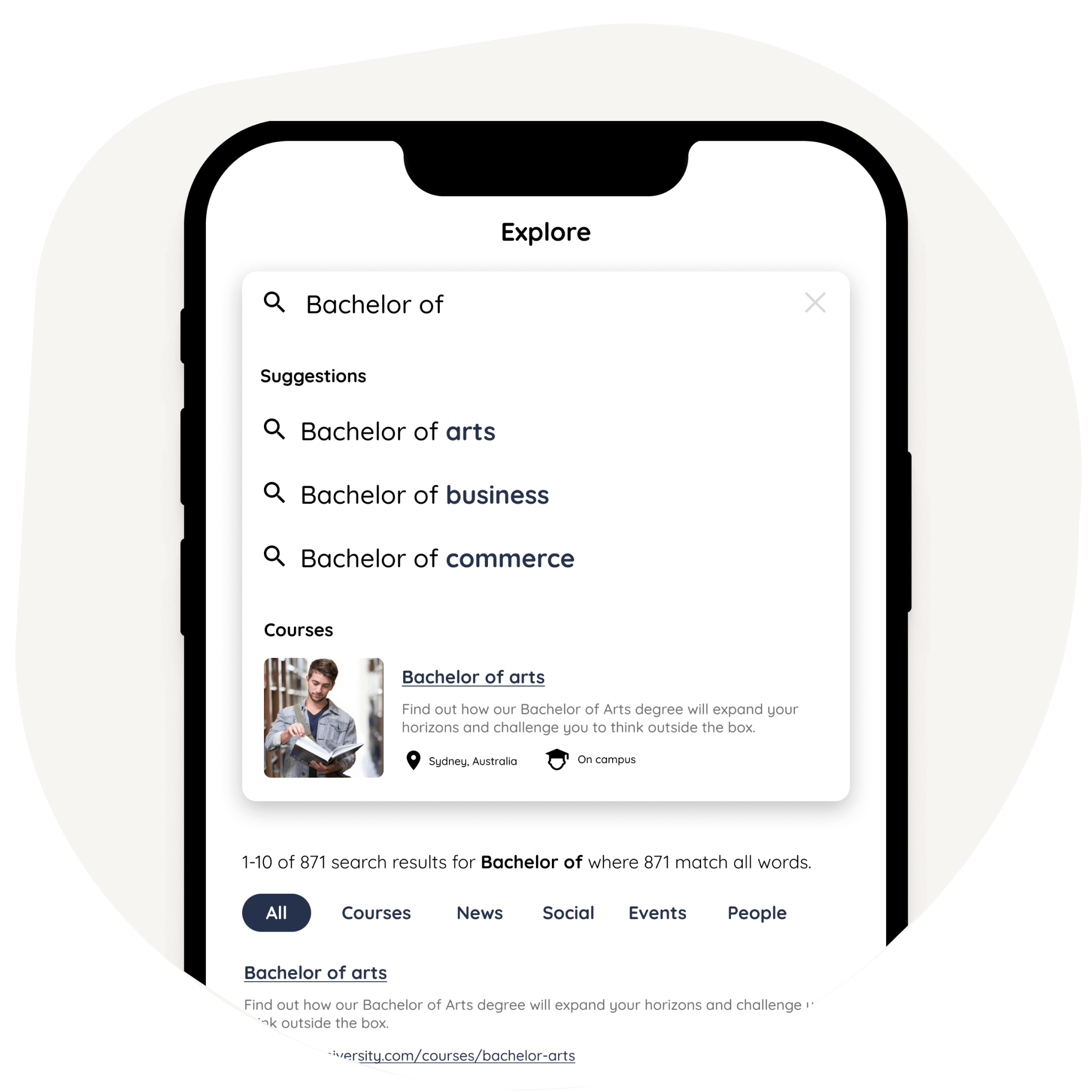
What makes Squiz DXP Search unique?
Whether you want to increase engagement on your website or convert more users, our search capability unlocks possibilities you never thought possible.
Dashboard
The user-friendly dashboard where you can set up and manage your search, results and reporting.
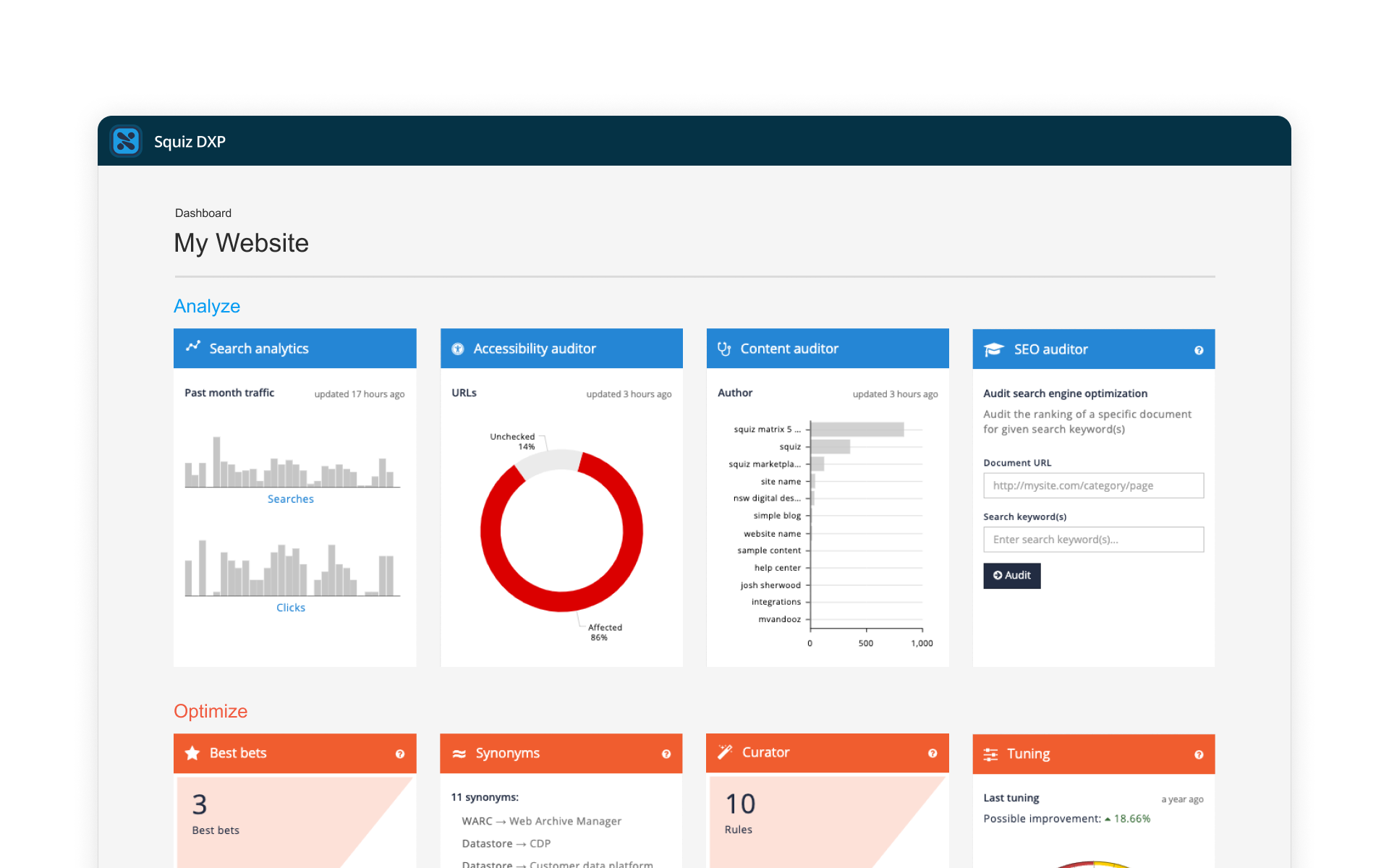
Dashboard
The user-friendly dashboard where you can set up and manage your search, results and reporting.
Results curator
Promote results, personalize content or run specific rules based on the query, context or user behavior.
View feature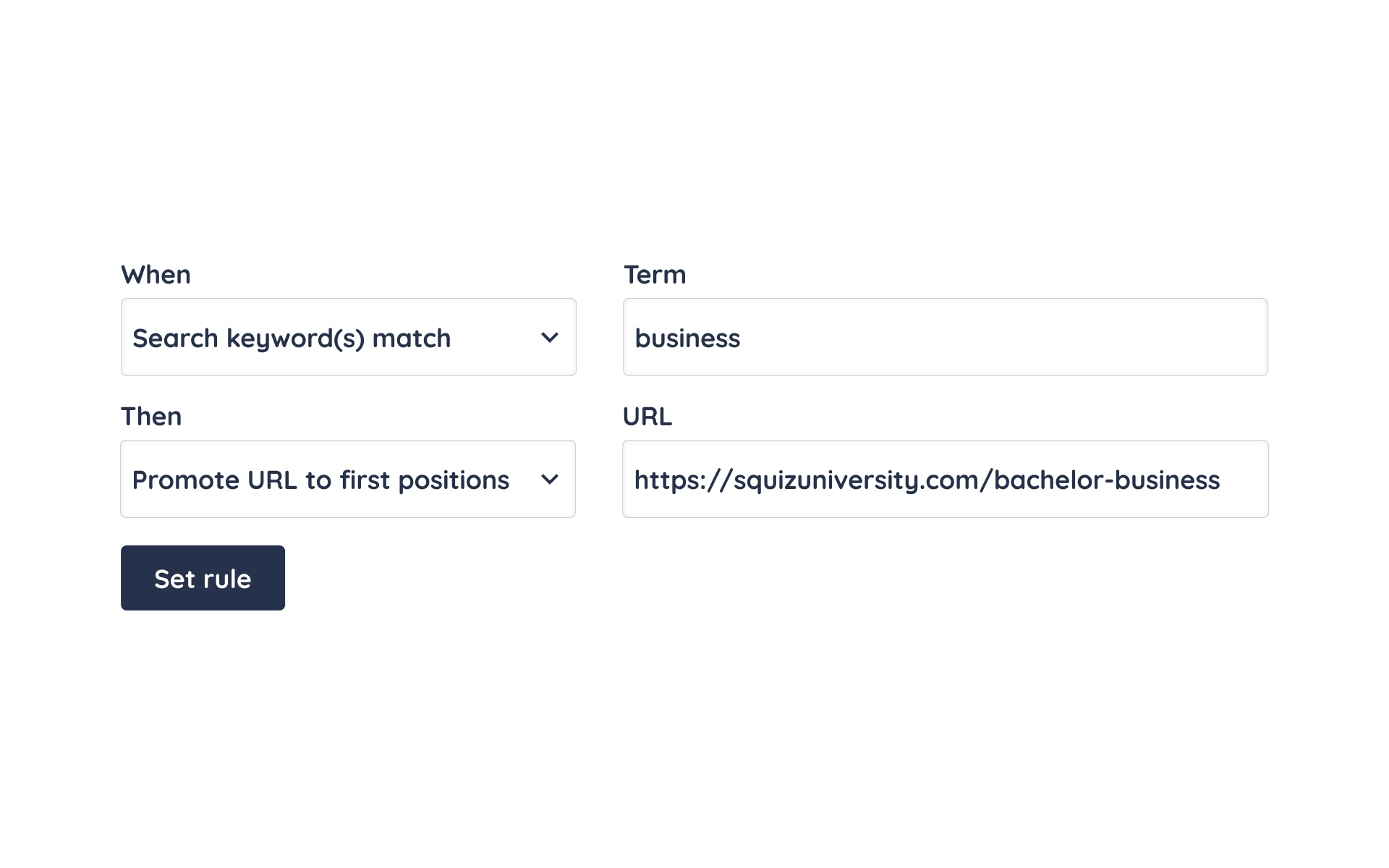
Results curator
Promote results, personalize content or run specific rules based on the query, context or user behavior.
View featurePredictive search
Provide users with real-time suggestions as query terms are typed into the search box.
View feature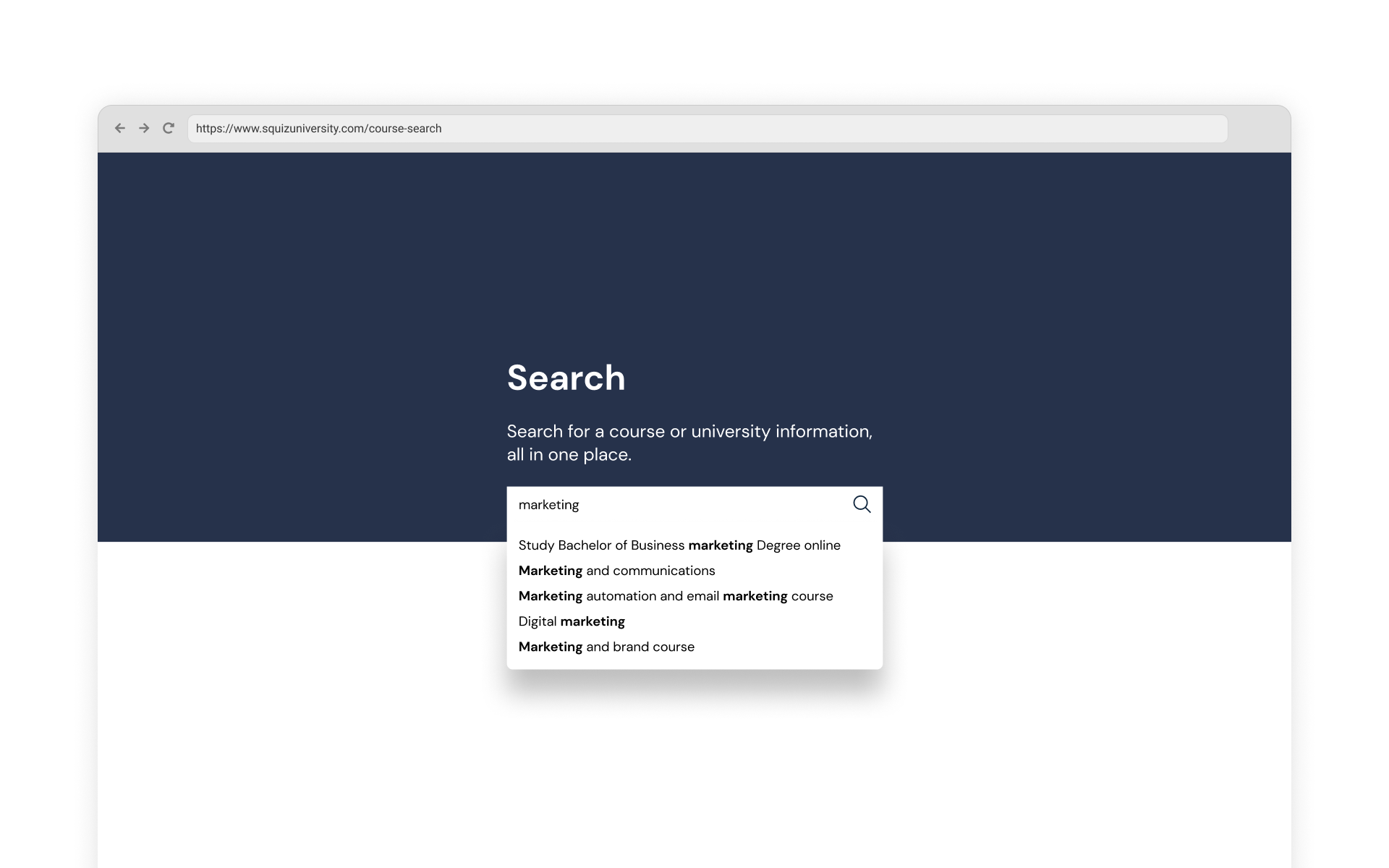
Predictive search
Provide users with real-time suggestions as query terms are typed into the search box.
View featureSynonyms
Expand or modify the user’s query terms behind the scenes to cater for language differences and still return the expected results.
View feature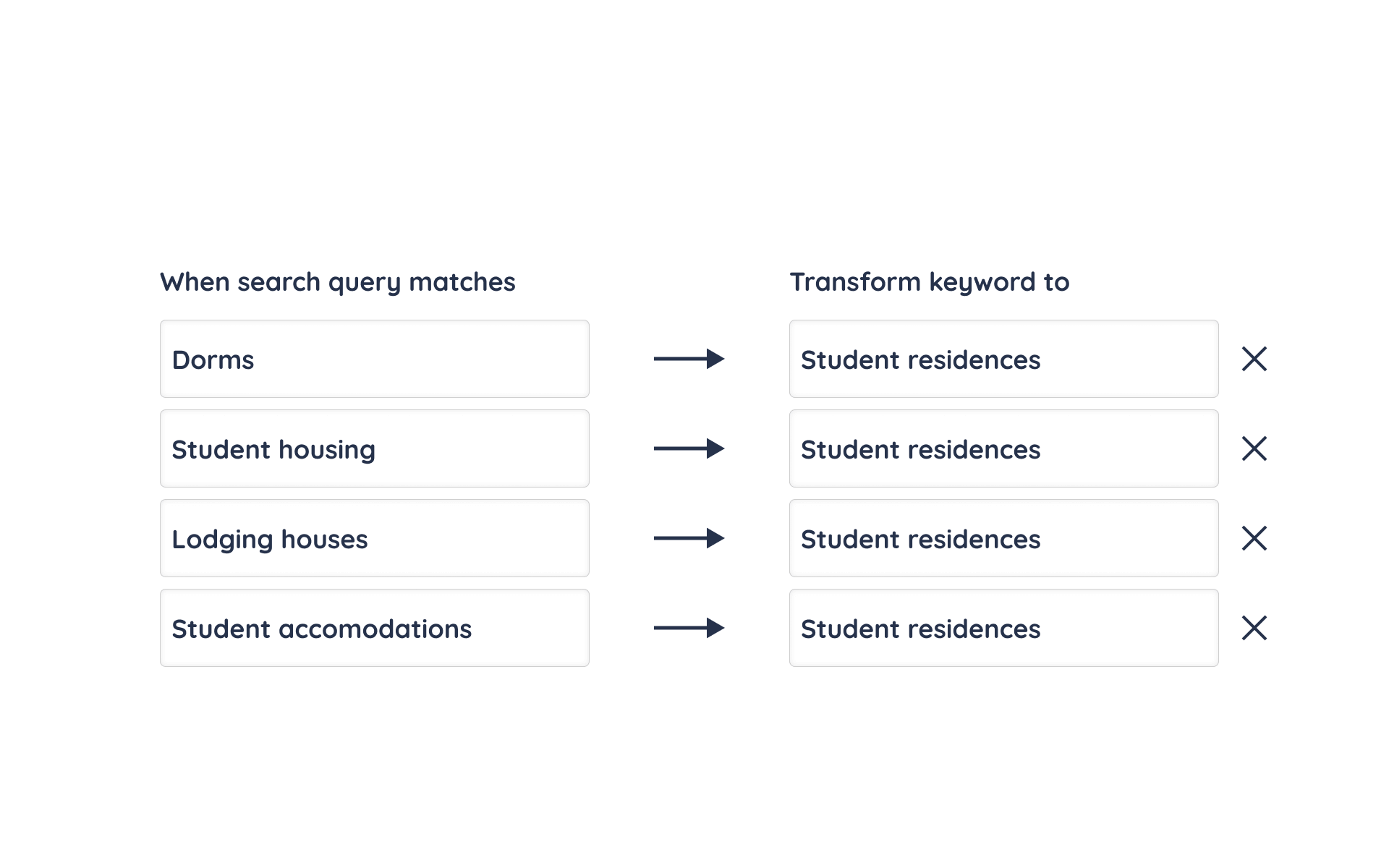
Synonyms
Expand or modify the user’s query terms behind the scenes to cater for language differences and still return the expected results.
View featureFaceted navigation
Help your users filter or refine a set of search results to quickly drill down on items or sub-sections of interest.
View feature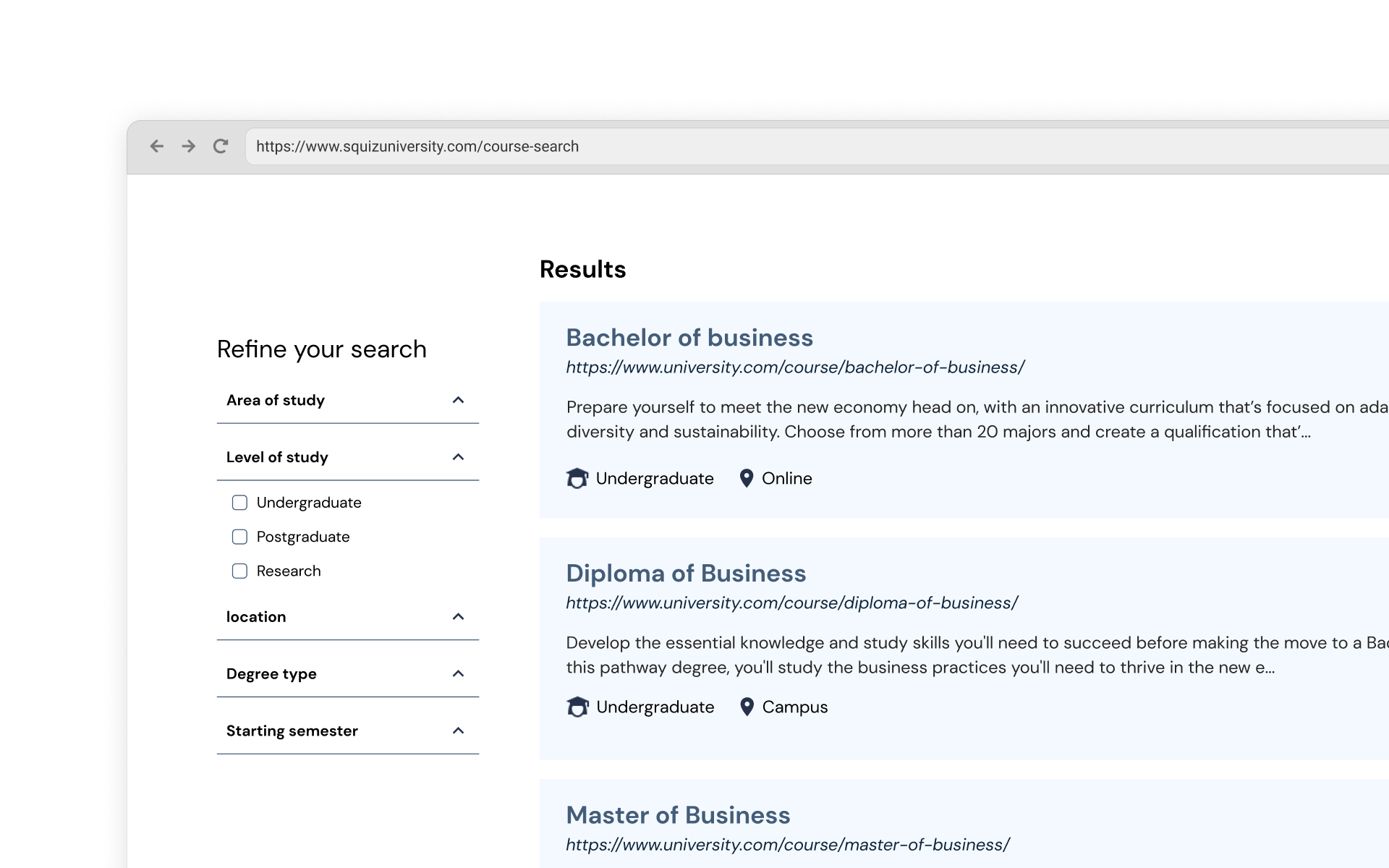
Faceted navigation
Help your users filter or refine a set of search results to quickly drill down on items or sub-sections of interest.
View featureTuning
Quickly present highly relevant search results to your users by training your search algorithm with minimal effort.
View feature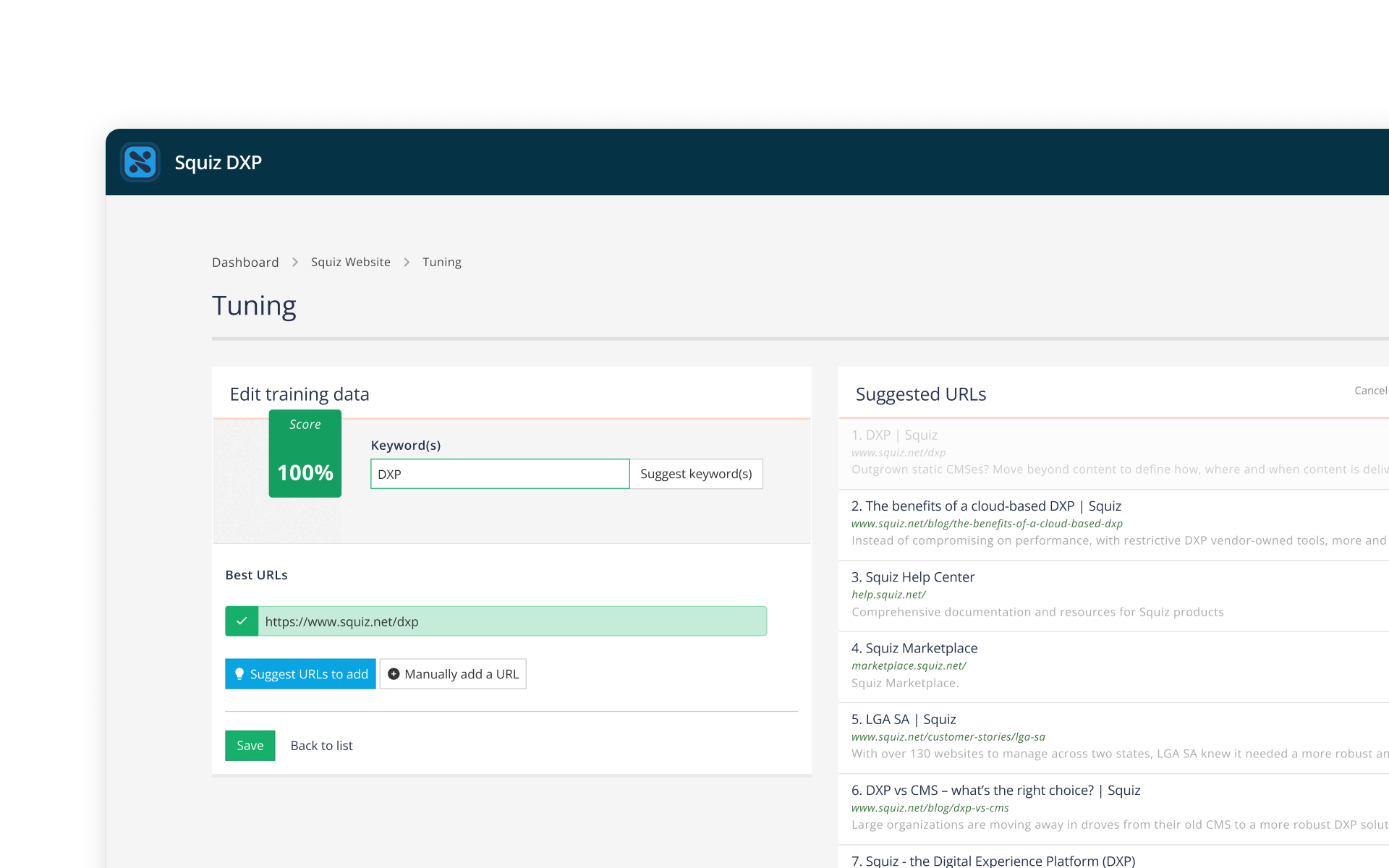
Tuning
Quickly present highly relevant search results to your users by training your search algorithm with minimal effort.
View featureMulti-source indexing
Let users search across all of your digital content with simple data integrations that you can implement in minutes.
View feature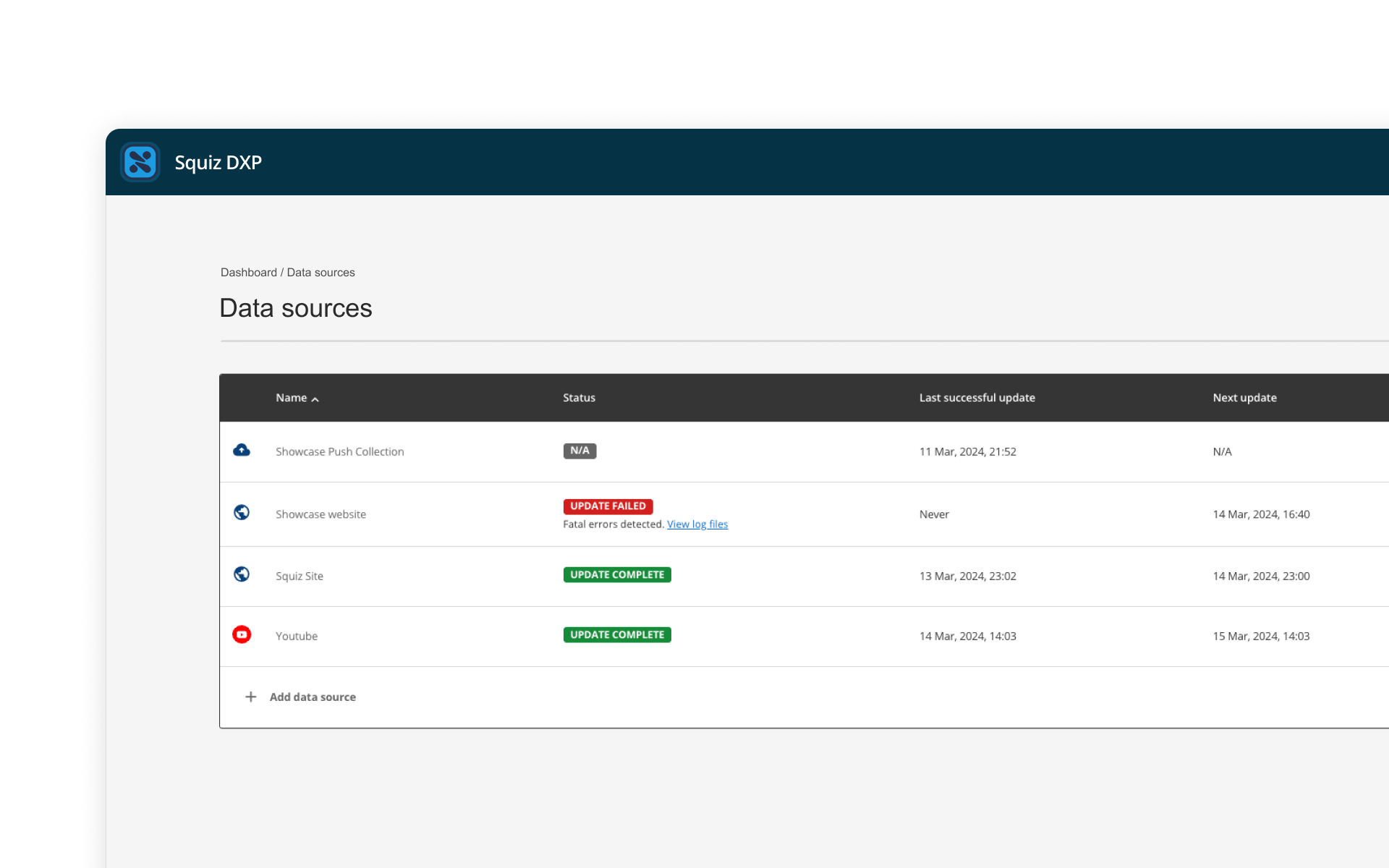
Multi-source indexing
Let users search across all of your digital content with simple data integrations that you can implement in minutes.
View feature“After implementing Funnelback, the relevance of our search results improved significantly. This led to a measurable increase in the value site search generates for BCIT, and the ROI is terrific.”
Frequently asked questions
Our search capability revolutionizes the way users discover content. It eliminates content silos and surfaces the right answer on your website, every time, for your customers and visitors.
Combining years of experience developing searches for Higher Education, Government and other complex industries, our search capability is an out-the-box search product that returns more relevant search results than any other alternative.
The intelligent algorithm uses over 70 different factors to derive relevant results and machine learning automatically refines the relevance of the results over time with the new information.
Our search capability makes all of your content available, in one location, regardless of which system it lives in or the format it is presented in. Search can crawl any website CMS, social channel, CRM or other data source.
Our search capability is made up of several complementary components, including an enterprise search engine, search analytics and content auditing tools.
Leading analysts recognize Squiz DXP Search as the quickest to deploy of all enterprise-grade site search solutions. Our search capability can be provided as a pre-configured industry template, with customers having Search up and running two days after the contract is signed. If your organization requires more configuration or customization, the time to implement will likely increase.
The team at Squiz work on high-quality projects on a daily basis and are on hand to provide advice, support delivery and implementation. They are experienced in providing services from creative concepts through to delivery.
Squiz DXP search allows you to control and customize the search experience that makes sense for your audience, organization, personalisation strategy or promotions.
In our search capability administration dashboard, you can take control over what results to promote and to whom. Decide and tune your results ranking position, important messages and promotions that appear, or what actions are taken when specific terms are searched.
These under-the-hood powers help make your search solution a key business tool to achieve your engagement, conversion, or self-service goals.
Resources
Discover how Squiz helps organizations transform their digital experiences to better serve and delight their audiences.
-
Search
How to select the best site search software for your website
Looking into search software solutions for your site? Learn how to find the right balance to ensure site usability and performance for your users.
View more -
Higher Education
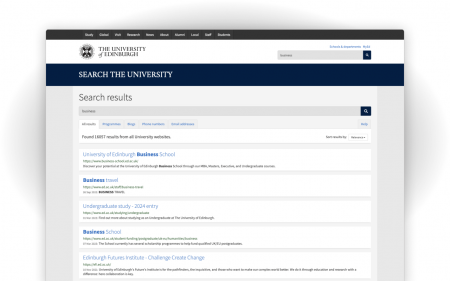
A single search bar to navigate more than 50,000 web pages
With over 50,000 pages spread across 1,500 different websites, the University of Edinburgh was looking for a more robust search tool.
View more -
University
A 160% increase in online application page visit with search
To help the University make sense of more than 30,000 pages on its website, its team turned to Squiz DXP Search with some unexpected results.
View more -
Content Management
DXP vs CMS – what’s the right choice?
Large organizations are moving away in droves from their old CMS to a more robust DXP solution. But should you too?
View more -
Government
A highly searchable directory updated every 24 hours
Becoming the trusted source of statistics and research on education in New Zealand has come with interesting technological challenges for the web team.
View more -
Government
How three councils reduced costs by sharing the same search
In an effort to consolidate services and reduce costs, three councils were looking to replace their different suppliers with a single offering.
View more -
University
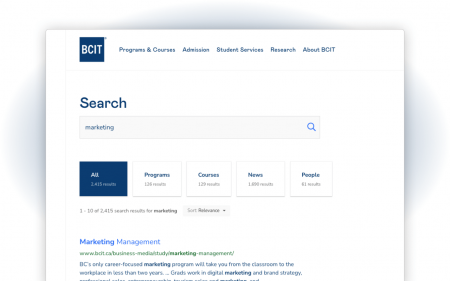
How the BCIT team generates $23m in revenue with search
Learn how the BCIT web team managed to reduce search refinement on their website to drive up revenue.
View more -
University
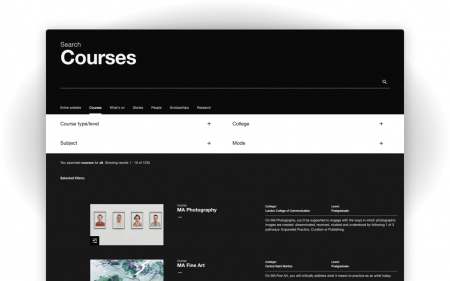
How search lead to a 57% increase in scholarship page views
How can search help a university make scholarships more accessible to students and increase applications? Here’s UAL’s approach.
View more -
Search
Content silos shouldn't get in the way of student experience
It is common for higher education institutions to have siloed web content. Here's how to overcome this challenge with a custom site search solution.
View more